Step 02 / 06
Clone the Hakuto repo in VS Code
Open Visual Studio Code (or your preferred editor) and clone the Hakuto template straight from GitHub.
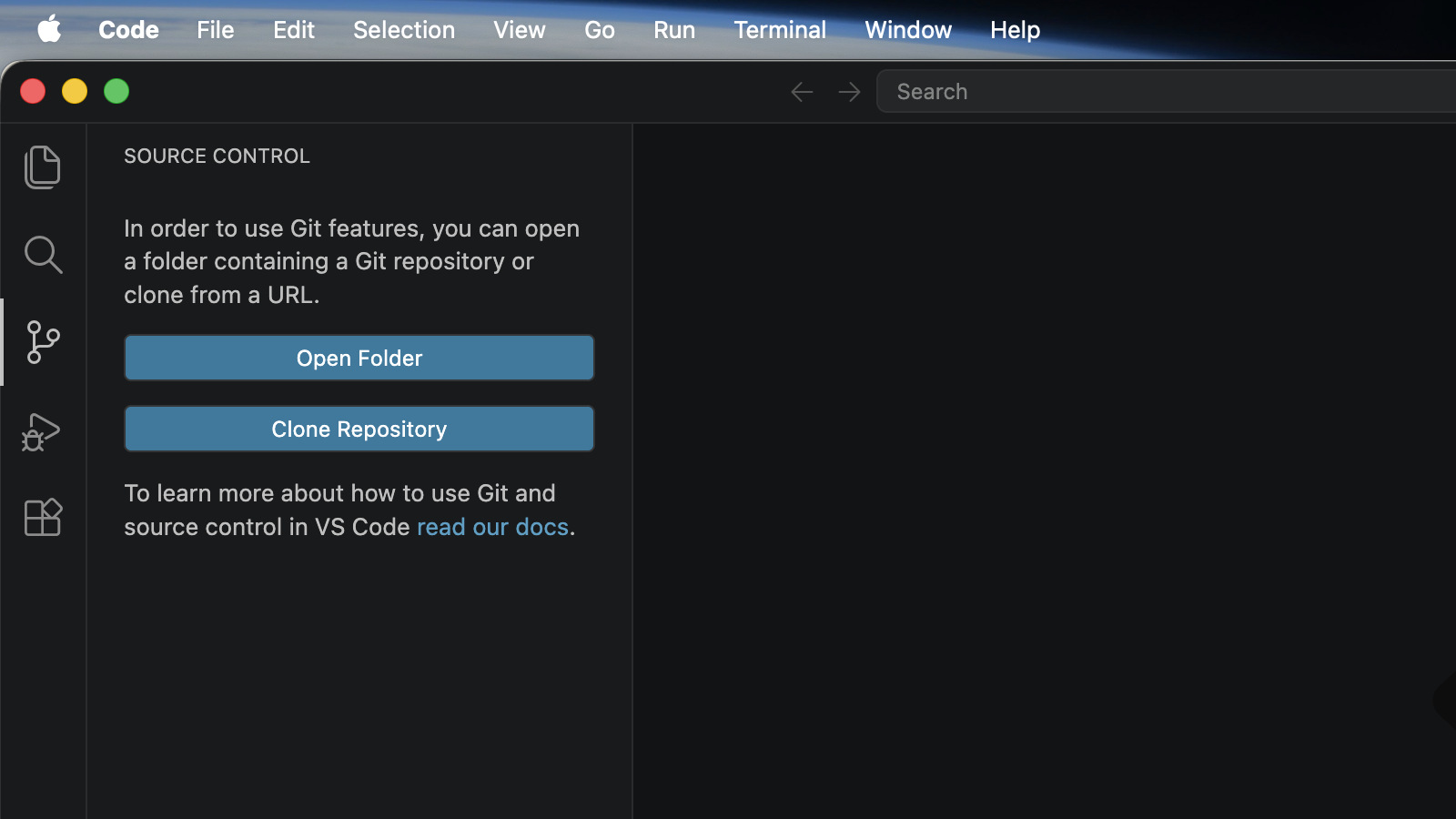
- 1 Click Source Control in the left sidebar.
- 2 Click Clone Repository.
- 3 Paste the repo URL and pick a folder:
https://github.com/teamniteo/hakuto.gitVS Code will download the template and ask you to open the folder. Click yes. You now have a ready-to-go Astro project with all Hakuto Skills included.